

Welcome from our Headteacher.
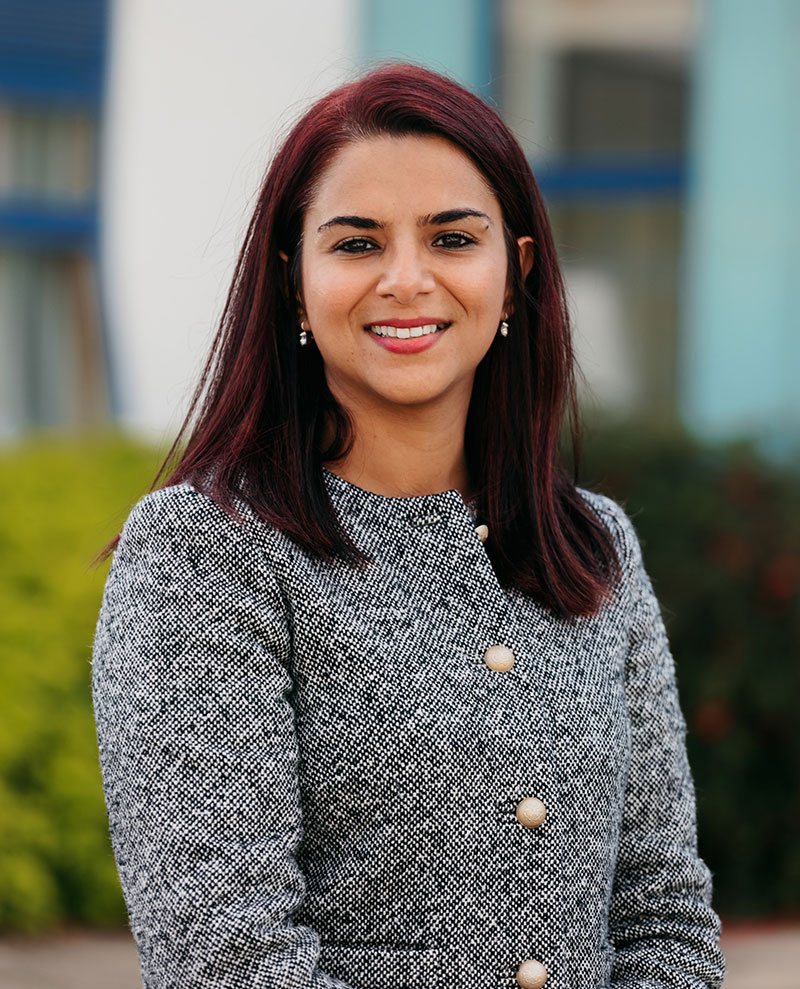
A very warm welcome to Carleton High School.
The purpose of our school is simple, to improve life chances for our young people. Students are the heartbeat of our school, they are our pride and joy. Regardless of their background or starting points, each student has the right to aim and achieve high and it is our moral purpose to get them there. As a parent myself, I whole heartedly understand what a parent or carers’ dreams and wishes are for their child’s education. A school where they will be safe, will excel, will be loved and pushed beyond their potential. I can confidently say Carleton High is that school.
Carleton High school has been on a great journey, and I am delighted to have been a part of this journey as Deputy Headteacher and now as Headteacher. Carleton High School is officially an Ofsted ‘Good’ school, we are firmly on track to becoming ‘Outstanding.’
Year 11, 2022-23 obtained the best results the school has ever achieved, the progress our students made was in the top 7% of schools nationally, and I am certain that these successes will continue even further. Carleton High School is an award-winning school, with our success being recognised with the award and accolade of being named 'Most improved Secondary school in the North of England' in 2020.
There is a certain warmth within our school, where each student is valued and cherished. We treat each child as an individual, celebrate their successes, appreciate, and empathise with their challenges. I hope that when you visit the school for yourself, you’ll sense the feeling of warmth and energy whilst in the building and talking to our amazing students and staff.
Our outstanding team of support and teaching staff are here to guide you, your children, and our community to ensure you all gain the best from education. Education has the power not only in the moment, but it change the course of a life path.
We are proud of our school, we are proud of our students, and we are proud to be a part of the Pontefract community.
Mrs S Shariff
Headteacher
A day in the life of Carleton High School.
News.
The Power of Education
In the heart of Pontefract, a group of nine schools are making waves in the education sector. Pontefract Academies Trust, comprising of seven primary schools and two secondary schools, was… Read more
Pontefract Academies Trust work boost children’s attendance and achievement through teacher performances.
May and June can be particularly stressful times in schools when children are preparing for exams. It as these times, more than any, that children may need an additional reason… Read more
Pontefract Academies Trust gives life changing opportunities to students.
The Pontefract Academies Trust provides children in the Pontefract area outstanding life opportunities academically, socially, culturally and on the sports field. In 2022 both Carleton High School and The King’s… Read more